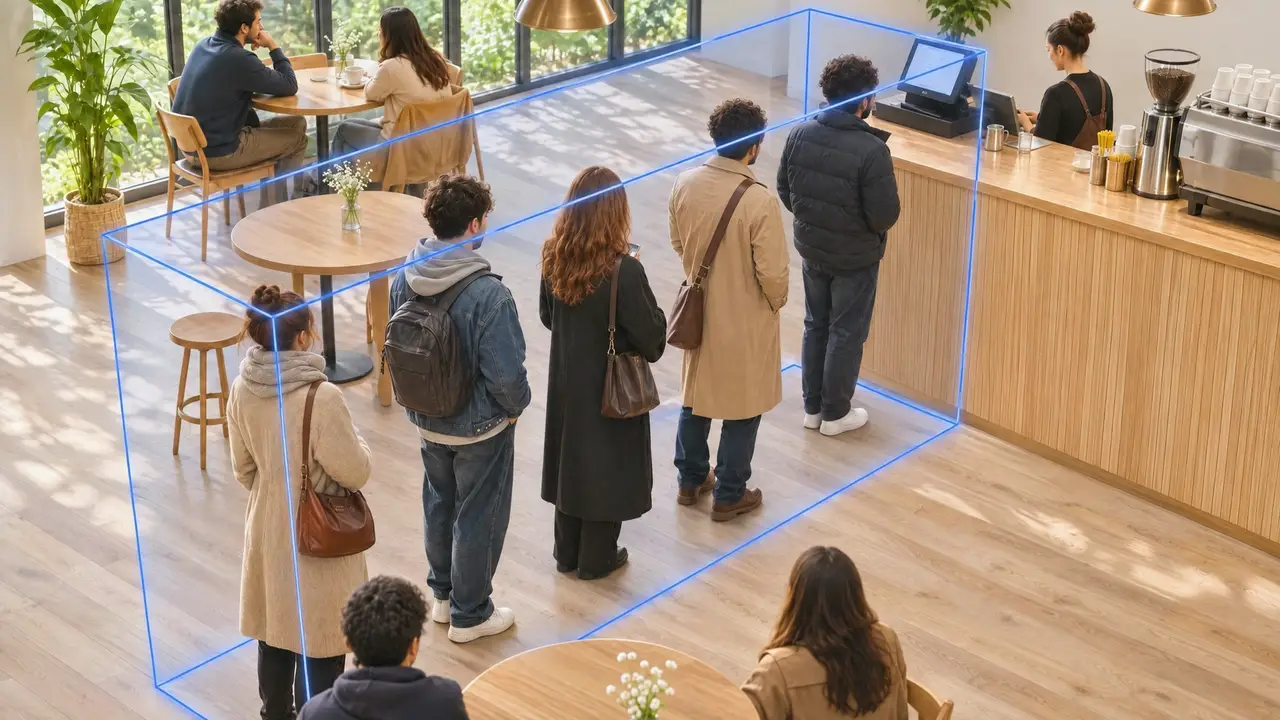
Understand Your Business
Cameras and connected systems become one picture of your day.
How many customers visited my café today?
148 visitors so far today, 12% more than yesterday at this time.
148visitors+12% vs yesterday
Turn everyday video into insights, answers, and actions.
Create use cases in the chat. Tell the assistant what you need in plain words, and it builds the detection with you: the camera, the zone, the numbers.
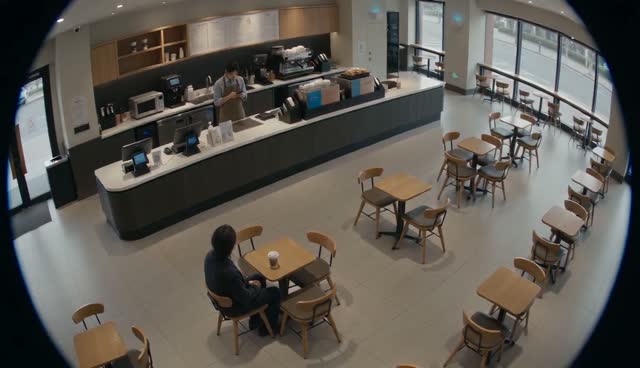 Zone · HallCounterStaffGuestTableWaiting · 5 minZone · Hall
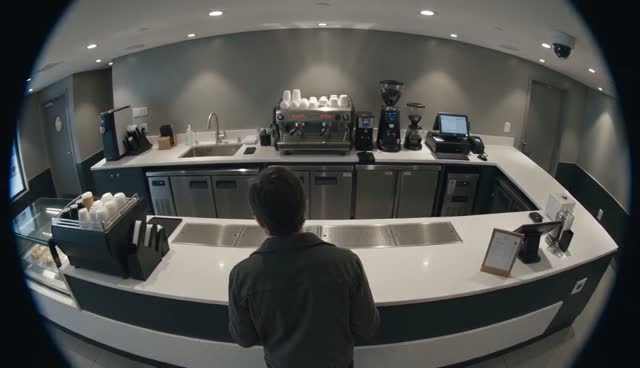 CustomerTillCoffee machineNo cashier · 3 minCashier zone · empty
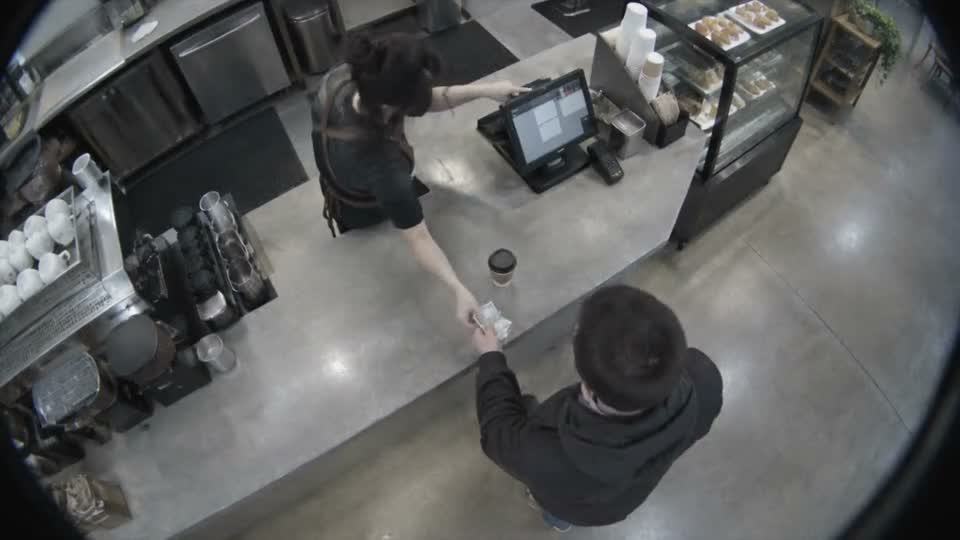 BaristaCustomerCupVoid · −€4.80Cashier zone
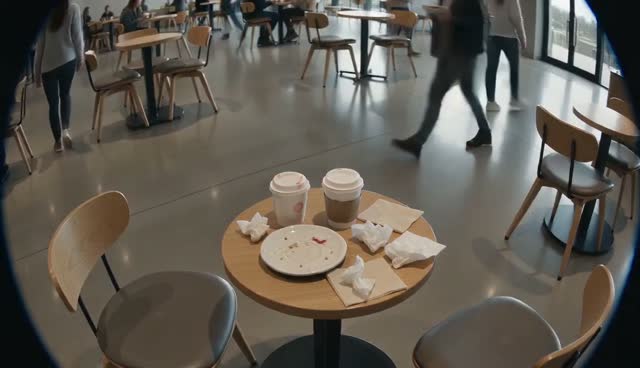 CupCupPlateNapkinsGuest · leavingNot cleared · 7 minTable zone
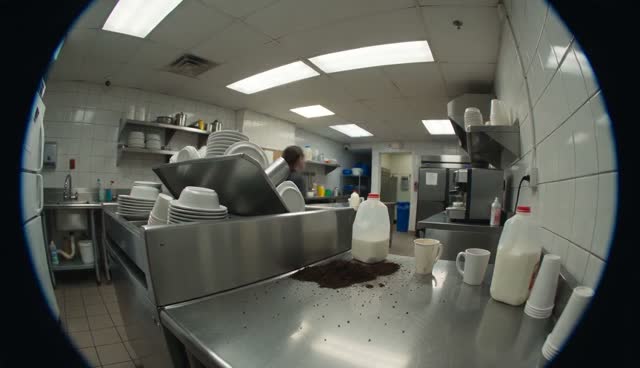 DishesSpillStaffDishes · 25 minKitchen zone
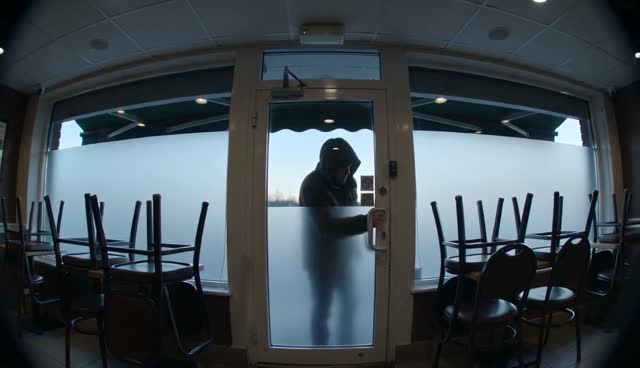 Entrance doorMotion · 02:14After-hours zone
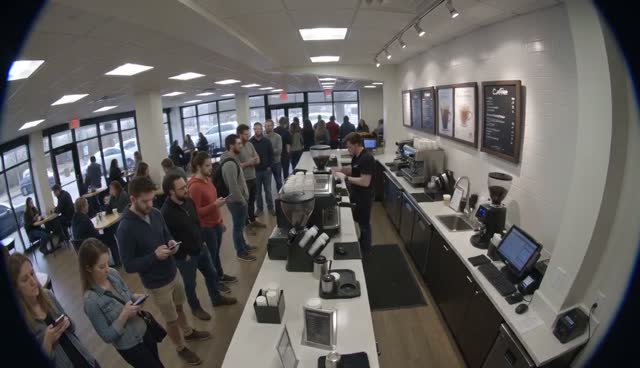
Vision Flow understands the data from your existing cameras and connected systems. Ask in plain language.
Cameras and connected systems become one picture of your day.
Ask in your own words. If the data is connected, you get an answer.
Employees who gave consent. Visible to owners and admins only.
Describe a rule once. You get an alert with a clip when it happens.
The same situations from above, as you see them in the app: first the alert, then your questions, then the pattern across locations.
Camera 2 · TillCamera, till and shift in one place, sent straight to the manager’s phone.
“What happened at the till yesterday?” and the answer, with clips.
The same situations, counted per location for the week. A mock-up of the report we build during the pilot.
Move the sliders to see the revenue you lose to theft each year, and how much of it you could keep.
per location, per year
An estimate, not a promise. Your own numbers will differ.
Vision FlowStart with two locations. Decide in 30 days.
Book an assessment